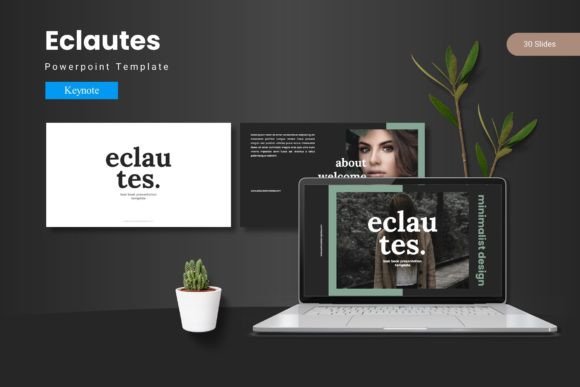
Eclautes Keynote Template: Your Foundation for Clear and Compelling Presentations
Let’s talk about the moment you need to present something important. Maybe it’s a quarterly business review, a new product launch for your startup, a detailed lesson for your students, or even a personal portfolio to showcase your creative work. The pressure isn't just about the content; it’s about making that content look credible, engaging, and professional. You know that a disjointed, poorly designed slide deck can undermine even the strongest message. This is where a purpose-built template like Eclautes Keynote Template becomes more than a tool—it becomes a strategic advantage.
What Exactly Is the Eclautes Keynote Template?
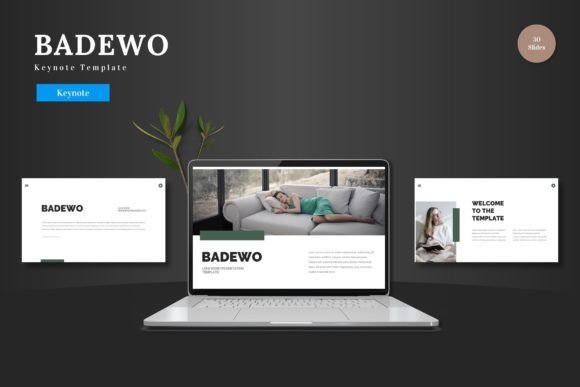
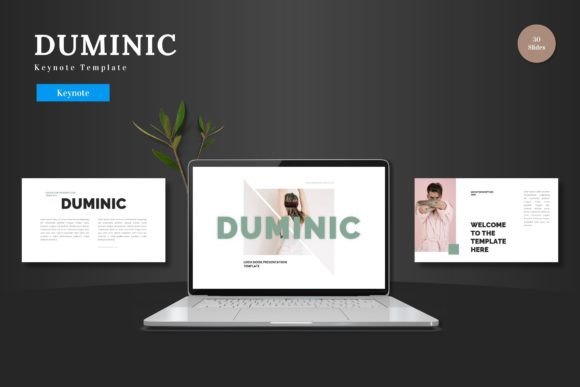
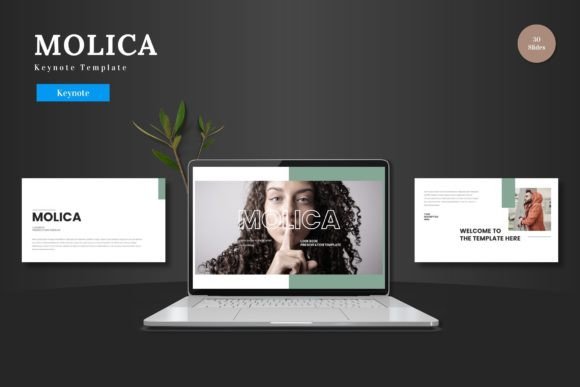
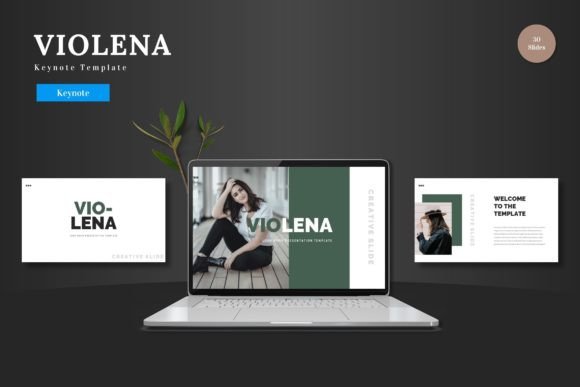
Eclautes is not just a collection of slides; it's a complete design system for Apple's Keynote software. Think of it as a pre-built visual framework. At its core, it provides 150 total slides organized across 5 distinct color schemes, giving you 30 slides per theme to work with. But the real value lies in its cohesion. Every chart, infographic, layout, and text placeholder is crafted to work together harmoniously. This means you’re not spending hours aligning boxes or hunting for complementary colors. You’re starting from a point of polished design, so your energy can focus entirely on your narrative and data.
Turning Features into Real Presentation Outcomes
Reading a feature list is one thing; understanding how those features solve daily frustrations is another. The pixel-perfect illustrations and handcrafted infographics aren't just "nice to have." They mean you can explain a complex process or showcase growth metrics without relying on clumsy, self-made diagrams that look amateurish. The resizable and editable graphics ensure that when you need to tweak an icon or adjust a chart to fit your specific data, you can do it without breaking the slide's overall aesthetic.
The inclusion of dedicated section break slides is a subtle but powerful tool. In a longer presentation, these act as visual breathing room for your audience, clearly signaling a transition from one topic to the next—like moving from "Market Analysis" to "Our Proposed Solution." This helps maintain clarity and keeps people engaged. Similarly, the drag-and-drop picture placeholder and gallery slides remove the technical friction from showcasing visual work. For a photographer, designer, or architect, this means building a stunning portfolio presentation is a matter of content insertion, not layout construction.
The Real-World Situations Where Eclautes Makes a Difference
Consider the variety of people who need to present, and how their needs differ. A freelance marketer pitching to a potential client needs speed and polish; they might not have a dedicated design team. With Eclautes, they can choose one of the five color variations that best matches the client's brand vibe and rapidly assemble a proposal that looks like it came from a large agency. The master slide basis ensures every new slide they add automatically maintains the chosen font hierarchy and color palette.
For educators and trainers, the challenge is often information density and clarity. A lecture on financial principles or software training requires a mix of text, data charts, and illustrative examples. The template’s structured layouts provide a consistent visual rhythm throughout a long session, aiding comprehension and reducing cognitive load for the students. The pre-formatted slides for lists, comparisons, and key points allow the teacher to focus on pedagogy instead of design.
For Entrepreneurs and Small Business Owners
The journey of a startup is a story told through presentations: to investors, to early customers, to partners. Each audience requires a slightly different tone. The five color schemes within Eclautes Keynote Template offer a quick way to adapt that tone. A bold, dark scheme might feel right for a serious investor deck about traction and numbers. A lighter, brighter scheme could be perfect for a user-friendly onboarding session for new customers. Because everything is editable, you can even blend elements to create a unique hybrid that feels authentically like your company's brand.
Imagine you’re preparing for a crucial trade show. You need a looped presentation running on a display screen that summarizes your company's value proposition. The portfolio and gallery slides are ideal for this, allowing you to create an auto-advancing, visually rich show that captures attention without requiring a live speaker. The template handles the visual heavy lifting, letting you concentrate on curating the perfect sequence of images and messages.
What to Consider Before Using Eclautes
While a robust template like Eclautes removes many barriers, it’s wise to align it with your specific needs. First, it’s built for Keynote. If your workflow or your organization is deeply embedded in PowerPoint, this might not be the right fit, despite its qualities. Ensure your version of Keynote supports the features used in the template.
Second, think about your own design comfort level. The template is customizable, but it’s most powerful when you stay within its design logic. If you plan to radically alter every slide’s structure, you might lose the cohesive benefit it provides. It’s best for those who want a strong starting point and intend to customize content rather than overhaul the foundational grid and style system.
Finally, consider the scope of your project. If you’re creating a one-off, 5-slide internal update, a full 150-slide template might be more than you need. But if you regularly create presentations, or if you’re building a single, critical, multi-faceted deck (like a business plan or a comprehensive course), having a vast library of purpose-designed slides at your fingertips prevents creative fatigue and ensures you have the right layout for every piece of information you need to present.
The End Result: Confidence and Efficiency
Ultimately, the benefit of using Eclautes Keynote Template translates into two tangible outcomes: saved time and increased confidence. You save the hours typically spent on foundational slide design. More importantly, you gain confidence that your visual presentation supports and enhances your spoken words. When every slide feels part of a unified whole, your audience perceives professionalism and preparation. This leaves a lasting mark, turning your presentation from a simple information transfer into an engaging, memorable experience. Whether you're a blogger sharing insights, a hobbyist presenting a community project, or a manager reporting to the board, that impression is what you’re aiming for. Eclautes provides the structured canvas to make it happen, letting your content shine without distraction.