Gorica Slide Template: A Multipurpose Foundation for Any Presentation
When a project lands on your desk—a client pitch, an internal strategy review, a product launch announcement—the pressure to communicate clearly and persuasively is immediate. The foundation of that communication is often a presentation. Searching for a template that feels professional yet adaptable, clean but not sterile, can eat up precious time. Gorica - Google Slide Template is designed to eliminate that search. It’s a comprehensive, editable framework built directly within Google Slides, offering a balanced blend of structure and creative freedom.
The Visual Character of Gorica: Clean, Colorful, and Scalable
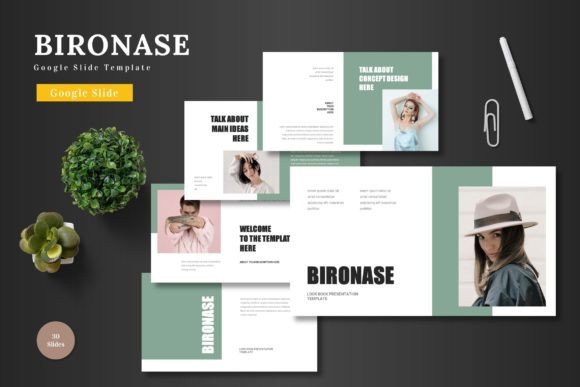
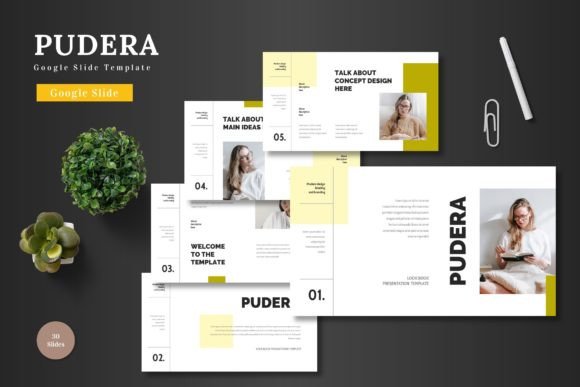
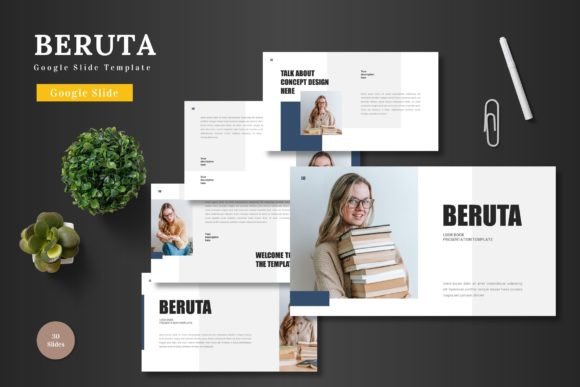
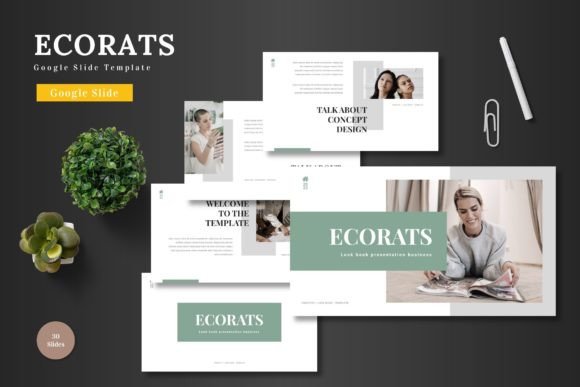
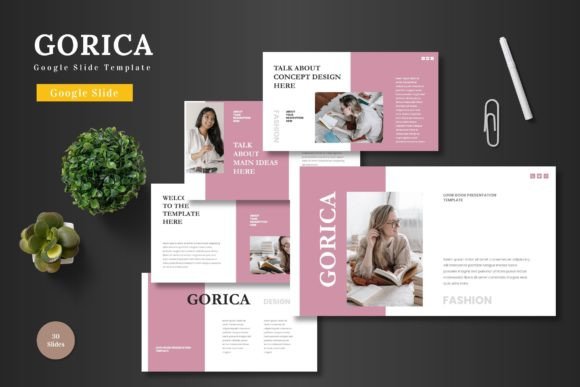
At its core, Gorica presents a clean aesthetic. This isn’t about minimalism for its own sake; it’s about creating a canvas where your content is the hero. The layouts are thoughtfully organized, providing clear visual hierarchy without overwhelming decoration. This cleanliness is paired with a vibrant, scalable color system. The template comes with five distinct premade color variations, offering 30 slides for each scheme. This means you can match the tone of your brand or the mood of your message instantly—from corporate blues to energetic oranges—without manually recoloring every element.
The personality of Gorica is modern and multipurpose. Its pixel-perfect illustrations and handcrafted infographics are professional yet approachable. They serve a functional purpose: to visualize data, explain processes, or highlight features in a way that is more engaging than plain text. Because all graphics are resizable and editable directly within Google Slides, they become your graphics. You can adjust them, recolor them, or use them as inspiration for your own custom assets, ensuring the final presentation feels uniquely yours.
Where Gorica Works Best: From Boardrooms to Portfolios
The suitability of this template for business, pitch decks, e-commerce, or product promotion is explicit, but its utility extends further. Entrepreneurs can use it to craft compelling investor narratives. Marketers can build campaign overviews or social media content plans. Designers and content creators might employ the gallery and portfolio slides to showcase their work in a polished format. Even hobbyists or community groups planning a workshop or event can benefit from a structured, professional look without needing design expertise.
Its true strength lies in being multipurpose. The included section break slides help organize long presentations. The animated slides (a welcome inclusion in a Google Slides template) offer a dynamic touch for highlighting key transitions or conclusions. With 150 total slides across the color variations, you have a deep library of layout options—title slides, comparison charts, team profiles, quote slides, and more—ensuring you rarely need to build a slide from scratch. This saves time and maintains a consistent visual rhythm throughout your presentation.
How Gorica Influences Professionalism and Audience Engagement
A template like Gorica directly impacts brand perception and audience engagement. Consistency in layout, color, and typography across a presentation signals professionalism and attention to detail. It tells your audience that you’ve invested in the quality of your communication. This visual consistency builds recognition, whether it’s for your internal team seeing a recurring format in company updates or for clients associating a polished look with your brand’s reliability.
Readability is baked into the template’s master slide foundations. Clear headings, balanced text areas, and well-placed picture placeholder boxes (where you can simply drag-and-drop your images) ensure information is absorbed easily. The visual hierarchy guides the viewer’s eye logically from main points to supporting details, making complex information more digestible. When an audience can follow your story without visual strain, their engagement naturally increases.
Practical Guidance for Using the Gorica Template
Getting started is straightforward because everything is editable within Google Slides. No additional software is required. Begin by choosing a color variation that aligns with your project’s mood or your brand’s palette. Then, input your content into the clearly marked text boxes. Replace the placeholder images with your own photographs, screenshots, or graphics using the drag-and-drop functionality. This immediate customization is key—it turns a generic template into a specific, purpose-built presentation in minutes.
When evaluating if Gorica fits your project, consider its scope. For a quick internal update, you might use only a handful of its slides. For a major product launch deck, you can leverage the full suite of infographics, portfolio layouts, and animated transitions. Test its flexibility by trying one of the less obvious color schemes; sometimes a fresh palette can inspire a new angle for your content. The template includes five PPTX files and the Google Slides files, giving you flexibility if you need to move between platforms.
Maximizing the Template’s Design Assets
Think of the included design assets—the infographics, illustrations, and icon sets—as a starting point. They are handcrafted and based on master slides, meaning any change you make to a master element can propagate through your presentation, ensuring global consistency. For instance, if you change the accent color in a master infographic, all similar charts using that master update automatically. This is a powerful feature for maintaining a cohesive brand identity across a lengthy deck.
For font pairing, the template provides guidance in the included readme file. Since all text is editable, you can also experiment with Google Slides’ built-in font library to find combinations that suit your message. Remember, readability in presentations often means favoring sans-serif fonts for body text at sizes large enough to be seen from the back of a room. Gorica’s layouts provide ample space for clear, large typography.
Finally, the commercial licensing is clear: the template is suitable for all business or personal needs. You can use it for client work, internal communications, or personal projects without additional licensing worries. This removes a common barrier for freelancers and small businesses needing reliable, professional tools. By providing a foundation that maintains quality, Gorica - Google Slide Template allows you to focus on what matters most: your content and your story. Present that story to the world, and let the template handle the visual framework.