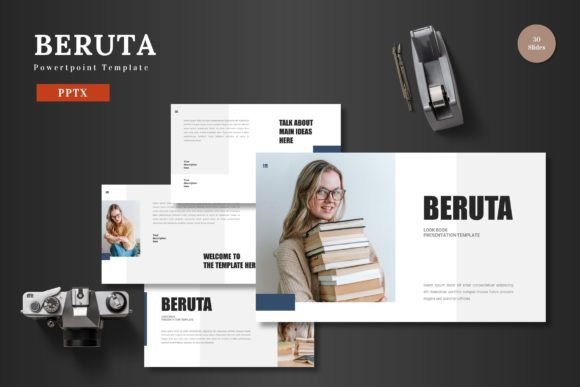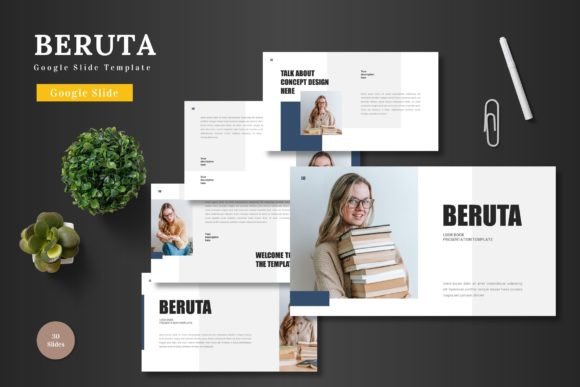
The Beruta Google Slide Template: A Creative Foundation
In the world of presentations, starting with a blank canvas can be both liberating and paralyzing. The freedom is endless, but the time to build a coherent, visually appealing structure from scratch is often a luxury we don’t have. This is where a well-designed template like Beruta - Google Slide Template transitions from a simple tool into a creative catalyst. It provides a robust, editable framework that lets you focus on your message, not on pixel alignment.
What Makes Beruta a Standout Template
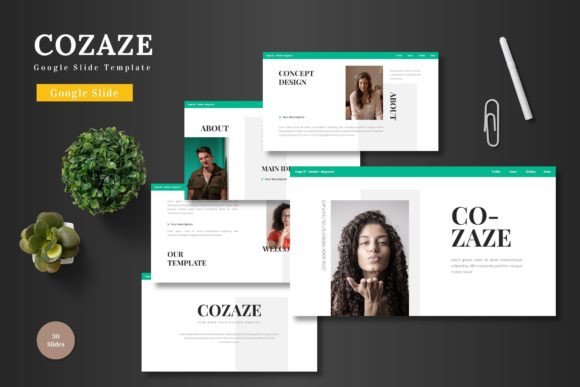
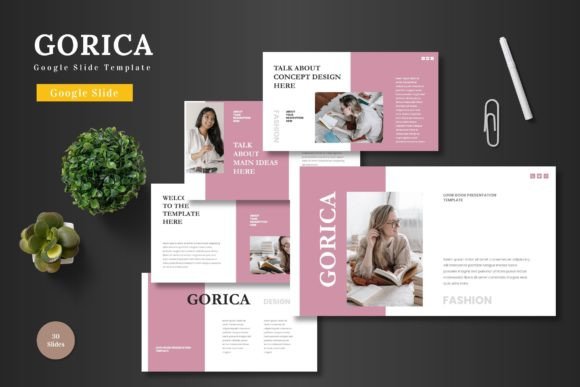
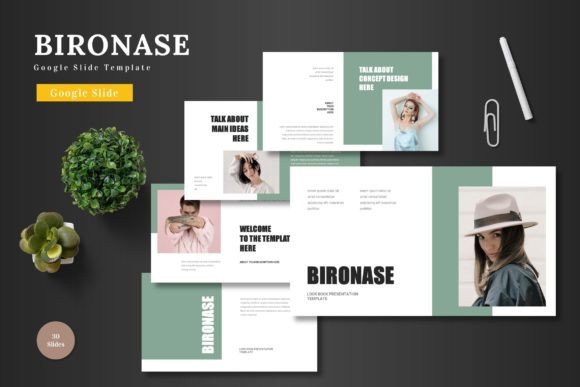
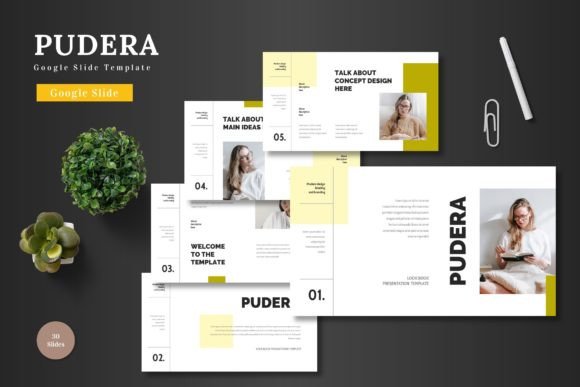
At its core, Beruta is a multipurpose Google Slides template characterized by clean design, scalability, and vibrant color options. It arrives not as a single, rigid file, but as a comprehensive system. With 150 total slides distributed across five premade color schemes, it offers a ready-to-use foundation for almost any communicative need. The promise is straightforward: professional aesthetics without the need for external software. Every shape, infographic, and illustration is editable directly within Google Slides. You input your content, replace images via drag-and-drop placeholders, adjust colors, and leverage built-in animated slides. This removes technical barriers, allowing creators to channel their energy into content and narrative.
A Toolkit for Diverse Creative Applications
The true value of a template like Beruta lies in its application. Its “multipurpose” label isn’t a vague claim; it’s a direct result of its structured flexibility. Consider its built-in sections and handcrafted infographics. For a entrepreneur crafting a pitch deck, these components become a visual storyboard for market data, financial projections, and product roadmaps. The clean layout ensures complex information feels accessible, not overwhelming. For a marketer or small business owner promoting an e-commerce product, the portfolio and gallery slides offer a perfect stage to showcase visuals, with placeholders making image swaps effortless. The consistent design across slides builds brand recognition even within a single presentation.
Educators and trainers can adapt Beruta for instructional materials, using its animated slides to introduce concepts progressively and its infographics to break down processes. Freelancers and creators can repurpose it for personal branding or client proposals, leveraging the color variations to match different project moods or client identities. The template’s scalability means a simple internal team briefing can use the same fundamental design as a major public conference talk, simply by scaling content depth and visual density.
Adapting the Foundation to Your Audience and Goals
Owning a powerful template is just the first step. The creative work is in its adaptation. Beruta’s five color schemes are a starting point for tonal direction. A serious financial pitch might stick with the more muted palette, while a creative agency’s culture presentation might opt for the most vibrant variation. Changing colors isn’t merely cosmetic; it’s a direct communication with your audience’s expectations.
The editable master slides and pixel-perfect illustrations ensure consistency. This is crucial when building trust (E-E-A-T in action). A haphazard, inconsistent slide deck can undermine the authority of your content. Beruta’s structured foundation helps you maintain a professional, organized flow, letting your expertise shine through without distraction. For bloggers or publishers creating companion presentations for web content, this consistency reinforces your brand’s voice across mediums.
Practical Inspiration Beyond Business
While suited for business, pitch decks, and e-commerce, the applications extend further. A hobbyist group creating a presentation for a community event can use the template to produce something polished without design expertise. A personal project, like a visual travel journal or a family history archive, can find form in the gallery slides and text layouts. The key is to see the template not as a set of slides for a “business presentation,” but as a collection of modular components: title slides, text layouts, image frames, data visualizations, and transitional animations. These components can be mixed, sequenced, and customized for contexts far beyond the initial intent.
For example, use the infographic slides not for market stats, but to diagram a creative process, a recipe flowchart, or a personal goal timeline. Use the portfolio slides not for product shots, but to display artwork, photography, or event highlights. The placeholder system means all this is achievable with just your own images and text.
Keeping Your Results Original and Audience-Friendly
A common concern with templates is losing originality. Beruta mitigates this by being deeply editable, but the final creative guard is you. Start by inputting your authentic content. Let your unique message drive which slides you use, omit, or reorder. Don’t feel obligated to use every slide; curate a sequence that serves your narrative. Replace the placeholder imagery with photos or graphics that reflect your specific project, not generic stock art. This simple step alone transforms the template into your own.
Then, consider audience engagement. The included animated slide offers a moment of dynamic focus—use it for a key reveal, a transition between major sections, or to highlight a central quote. Balance the colorful elements with clear, readable text sections. Vary the rhythm of your presentation: a dense infographic slide can be followed by a simple, impactful image slide. This pacing, enabled by the template’s variety, keeps your audience attentive and makes the information digestible.
A Template as a Starting Point for Ideas
Ultimately, Beruta - Google Slide Template is best viewed as a high-quality starting point. It answers the technical questions of layout, color harmony, and graphic consistency. This frees you to answer the creative and strategic questions: What story am I telling? Who am I speaking to? What do I want them to feel, know, or do? Its multipurpose nature means it can shape-shift around your answers. For the designer, it’s a quick wireframe to flesh out. For the marketer, it’s a branded container for campaigns. For the educator, it’s a structured canvas for knowledge. For the hobbyist, it’s a path to a polished outcome they couldn’t easily build alone.
The final step is the simplest and most important: presenting your slides to the world. With a foundation like Beruta, that step is approached with confidence, knowing your ideas are presented with clarity, cohesion, and a visual professionalism that supports, rather than obscures, your unique content. The template handles the groundwork; you provide the vision. That partnership is where truly effective communication begins.