Munirom: The Versatile Google Slides Template for Modern Presenters
In a landscape where clear communication is paramount, the tools we choose can define our success. A presentation template is more than just a set of slides; it’s the framework for your story, the visual partner to your ideas. The Munirom Google Slide Template emerges as a compelling solution, designed not with rigid constraints, but with flexible possibilities. It understands that a business pitch, an educational lecture, and a product launch require different tones, yet all demand professionalism and visual coherence.
What Makes Munirom a Practical Foundation
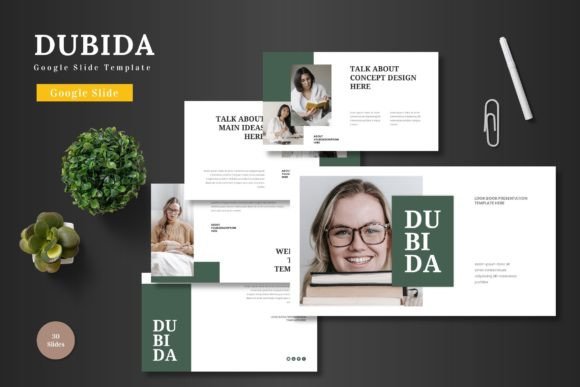
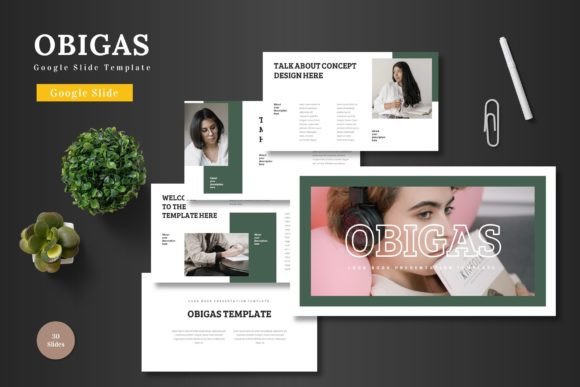
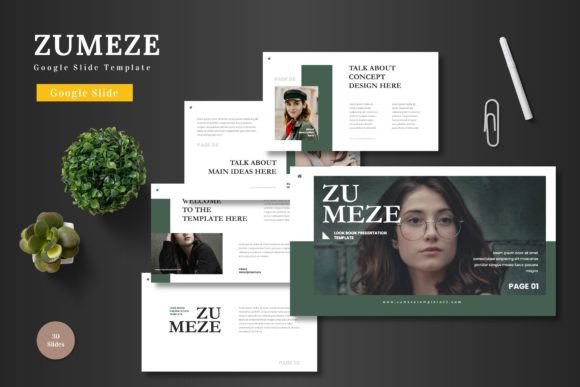
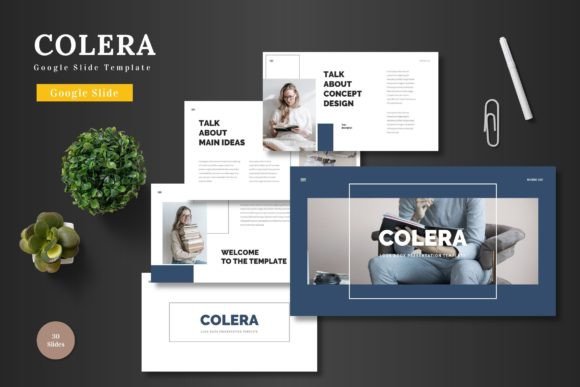
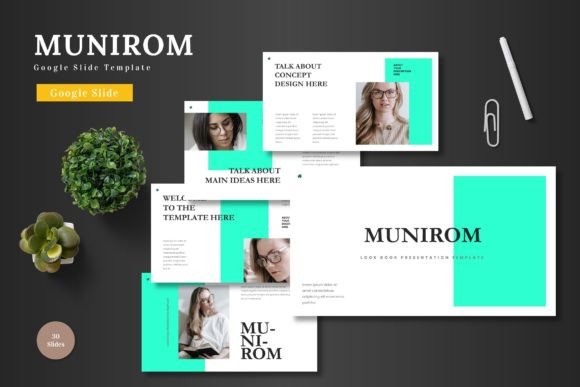
At its core, Munirom is a fully editable template suite residing within Google Slides. This means you start from a position of strength: 150 total slides, organized across 5 distinct premade color schemes, with 30 slides dedicated to each. The structure includes essential template section breaks, handcrafted infographics, and pixel-perfect illustrations. The promise is efficiency without sacrificing creativity. You are not downloading a static file to be wrestled into another application; every element—from resizable graphics to picture placeholders—is modified directly within Google Slides. Input your content, drag and drop your images, adjust colors, and animate your narrative. The technical barrier is removed, shifting your focus entirely to the message you need to convey.
Beyond the Feature List: A Canvas for Adaptation
Listing features only tells part of the story. The true value of a template like Munirom lies in how it adapts to the user’s intent. Its clean, scalable, and colorful design is multipurpose by nature, but its utility is realized through specific application. Consider the entrepreneur crafting a pitch deck. They need to inspire confidence and showcase data compellingly. Munirom’s master slide-based infographics and portfolio slides offer a ready-made structure for weaving financial projections with customer testimonials, all while maintaining a consistent, branded look that feels investment-ready.
For the educator or trainer, clarity and engagement are key. The template’s animated slides and clear section breaks can transform a complex tutorial into a digestible, step-by-step visual journey. A marketer promoting a new e-commerce product can utilize the gallery slides and vibrant color variations to create a sense of desire and functionality, highlighting product features in a layout designed for visual appeal. The template doesn’t dictate the content; it provides a well-organized, visually coherent stage for it.
Creative Applications and Audience-Centric Adjustments
The versatility of the Munirom Google Slide Template invites a range of creative interpretations. Its five color schemes are not merely aesthetic choices; they are strategic tools. A corporate business presentation might lean towards a more subdued, professional palette from the options available, while a creative agency’s brand launch might select the most vibrant scheme to mirror its energetic identity. This choice is the first step in audience alignment.
Think about adaptation across formats. The same template foundation can be tailored for a live conference presentation, an embedded slideshow on a website, or a downloadable PDF report. For a live presentation, leveraging the animated slides can guide audience attention. For a web-embedded version, ensuring each slide is self-contained with clear headlines and visuals becomes the priority, perhaps using more of the portfolio or gallery layouts. A freelancer might use Munirom to create a stunning, visual proposal for a client, using the infographics to outline project phases and deliverables in a way that a plain document could not.
Maintaining Clarity and Originality Within a Template
A common concern with templates is the risk of looking generic. The safeguard within Munirom is its deep editability and your creative input. Start by personalizing the image placeholders with your own high-quality photographs or branded graphics. This immediately breaks any sense of a “stock” look. Next, do not use every slide. Select the slides that serve your narrative. A 150-slide library is a repository, not a mandate. Curate a sequence that fits your time and topic.
Consistency is achieved through the master slide foundation, but originality is injected through your content hierarchy and storytelling. Use the template’s typography structure to establish clear heading levels (h1, h2, h3 in your content) that guide the viewer through your logic. Even when using the provided infographics, tailor the data and labels to your specific case. The template ensures everything aligns visually; you ensure everything resonates contextually.
Real-World Use Cases for Diverse Professionals
To move from abstract potential to practical inspiration, let’s consider a few realistic scenarios:
- A Small Business Owner launching a new service: They could use the template’s “Product Promotion” oriented slides to build a presentation that starts with a problem statement (using a clean text-and-image slide), introduces the service solution (using an infographic to break down features), showcases client results (using the portfolio slide), and ends with a clear call to action.
- A Blogger or Content Creator teaching a skill via a webinar: They might utilize the section break slides to clearly demarcate “Introduction,” “Core Techniques,” “Examples,” and “Resources.” The handcrafted illustrations can be used to visually summarize key tips, making the content more memorable for viewers.
- A Designer or Creative Freelancer presenting a portfolio: The gallery and portfolio slides within Munirom are directly applicable. They can create a visual narrative of their work, grouping projects by type and using the consistent color scheme to make the overall presentation feel like a curated exhibition, not just a file dump.
In each case, the user begins with the same Munirom Google Slide Template folder—containing the Google Slides file, readme instructions, and font information—but ends with a presentation uniquely fitted to their professional voice and audience expectations.
Balancing Inspiration with Grounded Guidance
Ultimately, a tool like this succeeds when it empowers rather than overwhelms. The inspiration comes from seeing a path to a polished, effective presentation without starting from a blank page. The practical guidance is inherent in its design: editable everything, no extra software, clear sections. The recommendation is straightforward: start by exploring the five color variations and choose one that best suits your project’s emotional tone. Then, map your key content points—your story—and browse the 150 slides to find the pre-built layouts that best visualize those points. Replace the placeholder content with your real content. The structure saves you time; your expertise fills it with value.
The Munirom Google Slide Template offers a bridge between creative vision and professional execution. It provides the scalable, colorful, and organized framework, trusting you to bring the specific ideas, data, and stories that matter to your audience. By focusing your energy on content and customization within this flexible environment, you maintain the quality of your communication and present your slides to the world with confidence. Cheers to presentations that are as clear and effective as the ideas they carry.