Present with Impact Using the Hunirom Powerpoint Template
Creating a professional presentation can be a daunting task, especially when you're juggling content, design, and tight deadlines. The Hunirom Powerpoint Template is designed to solve this common challenge. It is a comprehensive, ready-to-use slide deck that provides a clean, modern foundation so you can focus on your message, not on pixel-perfect alignment.
A Multipurpose Toolkit for Modern Presentations
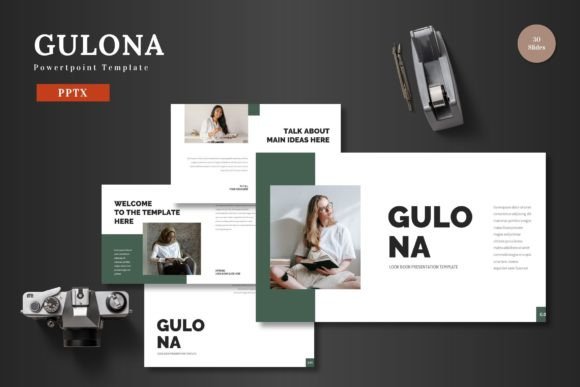
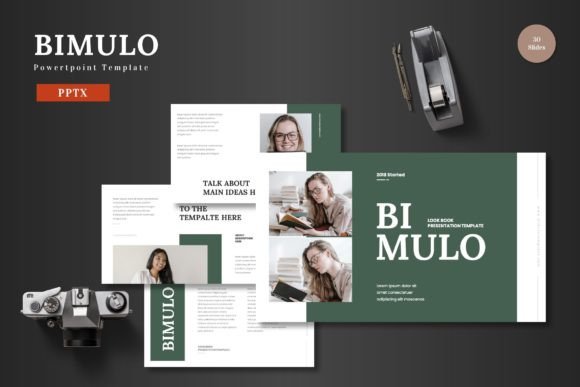
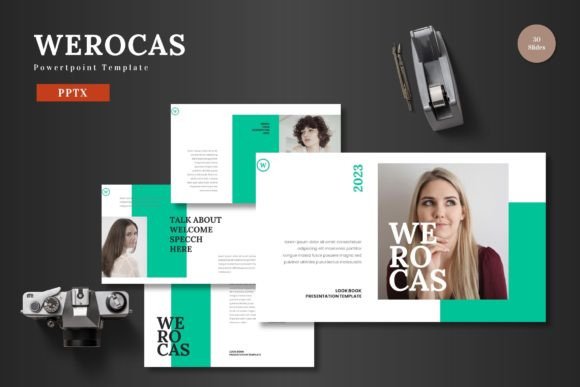
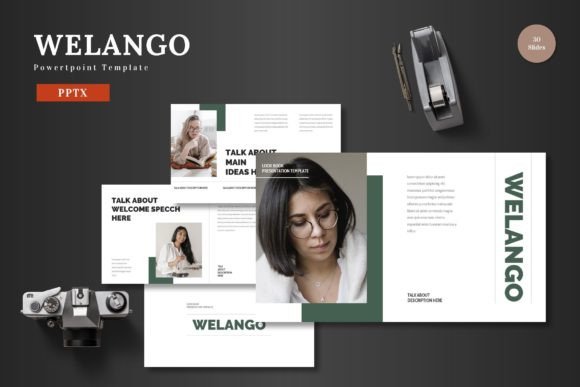
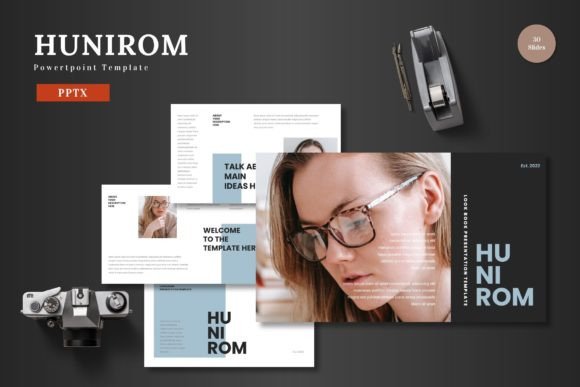
What exactly is the Hunirom template? In practical terms, it's a collection of 150 pre-designed slides packaged into five distinct color schemes. Each color set contains 30 slides, offering a vast library of layouts. This isn't just a single design file; it's a versatile toolkit. The core value lies in its multipurpose nature. Whether you're crafting a business proposal, a startup pitch deck, an e-commerce product showcase, or an internal training session, the template provides a suitable visual framework. It maintains a high standard of design quality, ensuring your work looks polished and credible, whether for professional or personal projects.
Key Characteristics: Clean, Scalable, and Fully Editable
The design philosophy behind Hunirom is centered on clarity and adaptability. The "clean" aesthetic means slides are free from visual clutter, using thoughtful spacing and balanced typography to direct attention to your content. "Scalable" refers to its structure; the template is built on master slides, which means any global change you make—like adjusting a font or a logo position—can apply across all slides instantly, saving immense time.
Perhaps the most appealing feature is that everything is editable directly within PowerPoint. You do not need any additional software like Photoshop or Illustrator. Every element—text boxes, icons, charts, and color fills—can be modified using PowerPoint's native tools. This is a significant advantage for beginners, casual users, and professionals who want efficiency. To customize, you simply input your content into the text placeholders, drag and drop your photos into the picture frames, and change colors to match your brand. The process is intuitive and keeps you working within a familiar environment.
Where Hunirom Makes a Practical Difference
Consider a freelancer needing to present a service proposal to a new client. Starting from a blank PowerPoint slide can lead to hours of fiddling with design. With Hunirom, they can select a color scheme that fits their brand, use pre-built slides for "Our Services," "Case Studies," and "Pricing," and simply replace the placeholder content with their own. The result is a cohesive, professional deck created in a fraction of the time.
For educators or trainers, the template’s handcrafted infographics and portfolio slides are incredibly useful. Explaining a complex process becomes easier with a ready-made, editable flowchart. An entrepreneur preparing for a funding pitch can leverage the animated slides (which are included) to add a dynamic touch to key moments, like revealing a financial forecast or a product roadmap, without needing advanced animation skills.
Important Features to Explore
- 150 Total Slides Across 5 Colors: This volume offers unparalleled flexibility, giving you multiple options for almost any presentation segment.
- Pixel-Perfect Illustrations & Graphics: All icons and graphic elements are crafted with precision and are fully resizable and editable without loss of quality.
- Drag-and-Drop Picture Placeholders: This user-friendly feature allows for quick visual updates.
- Gallery and Portfolio Slides: Specifically designed for showcasing products, team members, or project outcomes visually.
- Included Resources: The main download includes the 5 PPTX files, a readme guide, and information on fonts and recommended photo sources, providing a complete package.
Who Benefits from This Template?
The appeal of Hunirom spans a wide audience. Small business owners can maintain brand consistency across all their presentations. Marketers can quickly assemble campaign reviews or social media reports. Bloggers or content creators might use it for webinar slides. Even hobbyists creating a personal project presentation will find the guided structure helpful. It supports the universal goal of communicating ideas effectively while conserving time and creative energy.
Before choosing any template, it's wise to consider your specific needs. Hunirom is particularly strong for business and promotional contexts due to its clean and colorful aesthetics. If your work requires very formal, conservative slides, you might need to adapt the color schemes. However, its full editability means you can tone down colors if necessary. The template is an excellent fit for users who value having a large library of starting points and who prefer to work entirely within PowerPoint.
Moving from Template to Custom Presentation
Using Hunirom effectively involves a simple workflow. Start by opening the PPTX file for your preferred color scheme. Browse the slide library—which includes section break slides for organization—and delete any slides you don't need. Replace the demo text with your narrative. Use the master slide view if you want to change the font family globally. Insert your images into the dedicated picture placeholders. Finally, review the animated slides to see if their subtle motion fits your delivery style. The process is straightforward: you are assembling and customizing, not building from scratch.
In essence, the Hunirom Powerpoint Template acts as a design co-pilot. It provides a robust, editable framework that elevates your content's presentation, ensuring you look prepared and professional. By handling the fundamental design work, it allows you to dedicate your focus to what matters most: crafting a compelling message and presenting your slides to the world with confidence.