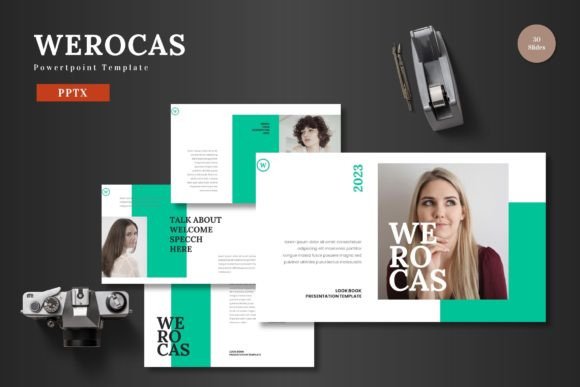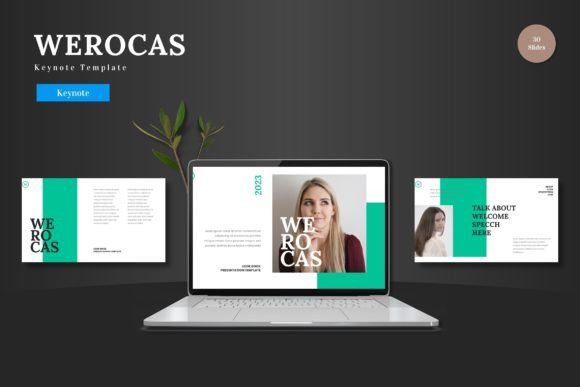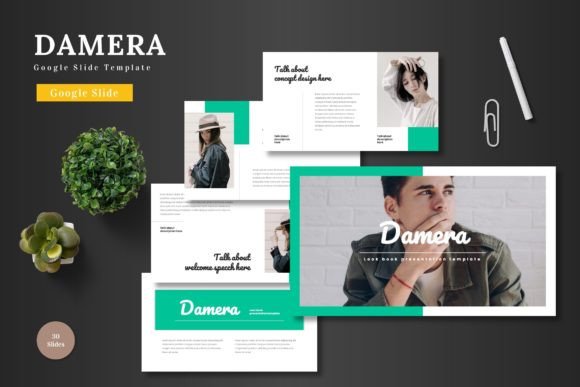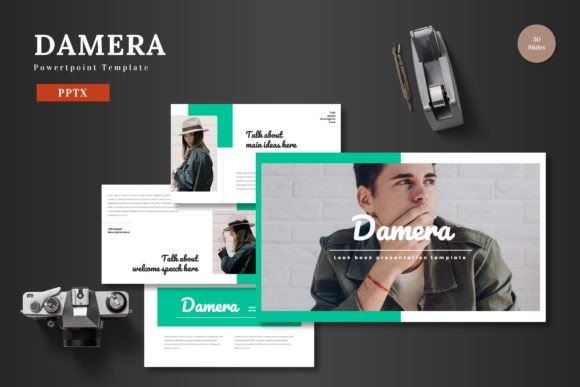
Welango PowerPoint Template: A Toolkit for Impactful Communication
For professionals across every field, the presentation is a critical moment of synthesis and communication. It's where data becomes insight, plans become directives, and ideas become shared vision. The challenge lies in moving beyond slides that merely inform to creating presentations that truly resonate. The Welango PowerPoint Template is engineered for this exact purpose. It is a comprehensive design system built not just for aesthetic appeal, but for practical, efficient, and powerful storytelling within the modern workflow.
Where Welango Fits in Your Presentation Process
Typically, the creation of a presentation is bifurcated into two strenuous phases: the gathering and structuring of content, followed by the often-frustrating task of visual design. This second phase, where many professionals and creators feel least confident, consumes disproportionate time. The Welango PowerPoint Template inserts itself directly into this gap. It provides a structured, visually-coherent foundation from which to build, allowing you to commence the design process from a point of strength rather than a blank slide. It functions as a bridge between your raw content—your data, your arguments, your portfolio images—and a polished, audience-ready deliverable.
This integration happens at the outset of the design phase. After you've outlined your key messages and assembled your core assets, you open Welango not as a static set of slides, but as a flexible workshop. Its master slides and predefined layouts act as guides, accelerating the transformation of your concepts into visual frames. By handling the fundamental principles of layout, color harmony, and typographic hierarchy, the template liberates you to focus on the precise articulation of your content within those proven structures.
A Framework for Consistency and Brand Alignment
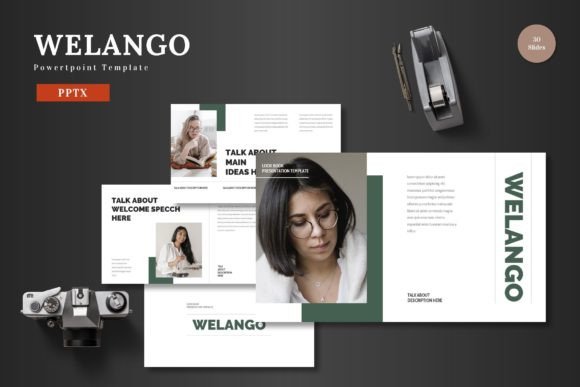
One of the most significant workflow challenges for teams, freelancers, and even individual practitioners is maintaining visual consistency. A presentation for a client pitch, an internal project review, and a public webinar should feel like part of a cohesive narrative, not disparate artifacts. The Welango PowerPoint Template, with its 5 premade color schemes and master slide-based design, provides a systematic solution.
Each of the five color variations is a fully-realized palette applied across 30 dedicated slides. This means you can select a scheme that aligns with your brand colors, a project theme, or even the emotional tone of your presentation, and apply it universally. The "Section Break Slides" offer clear, designed transitions for segmenting your content, aiding both narrative flow and audience comprehension. This built-in consistency eliminates the ad-hoc color picking and font searching that leads to disjointed visuals. For the small business owner or marketer, this ensures every external communication reinforces brand identity. For the educator, it creates a recognizable and professional learning environment across different lecture modules.
Working with Welango's Core Assets
The template's included assets are designed for practical interaction. The pixel-perfect illustrations and handcrafted infographics are not merely decorative; they are conceptual tools. An infographic about process flow can be customized to mirror your specific project stages. A resizable illustration can be adapted to suit a metaphor central to your talk. Because all graphics are editable and resizable within PowerPoint itself, you are not locked into predefined notions. You can adjust scale, recolor elements to match your chosen scheme, or combine them to build new visual explanations.
Similarly, the dedicated gallery and portfolio slides, with their picture placeholder designs, solve a common logistical hurdle. The "drag and drop" functionality is literal; you can insert your product photos, team headshots, or case study imagery directly into frames that are already compositionally balanced. This removes the tedious alignment and cropping that often accompanies image integration, allowing the entrepreneur or blogger to showcase their work with visual professionalism in minutes rather than hours.
Integrating Welango into Your Production Workflow
The true test of any template is its usability under real-world conditions. Welango's structure promotes an efficient, linear workflow. Start by selecting your color scheme—a one-time decision that cascades through your entire file. Then, review the array of layout options based on master slides for title pages, content slides, data slides, and conclusion slides. Instead of building each slide from scratch, you duplicate the master layout that fits your next content block and populate it.
For example, when you need to present quarterly metrics, you navigate to a data-focused layout slide. You input your numbers into the provided text boxes, which already have appropriate font sizing and hierarchy. You then replace the placeholder chart with your own Excel-generated graphic, and it inherits the slide's color scheme, instantly harmonizing. If you have a key process to explain, you find an infographic slide, edit the text labels to describe your steps, and perhaps adjust the graphic's colors to highlight a particular phase. This process is not about filling in blanks; it's about leveraging a prepared visual language to express your unique content with clarity and impact.
Compatibility is seamless. The main files are provided in the standard PPTX format, ready to open in the latest versions of Microsoft PowerPoint or compatible presentation software. The included font information ensures you can quickly install any recommended typefaces to achieve the exact intended look, safeguarding design integrity. The "Readme First" file offers straightforward setup guidance, minimizing initial friction.
Long-Term Value and Adaptability
A template is a tool for a single project, but a well-designed system like Welango becomes a long-term resource. With 150 total slides across its color variations, it offers extensive variety, reducing the risk of slide fatigue or repetitive layouts across multiple presentations for the same audience. For the productivity-minded user, this creates a reusable asset. You can develop a company "playbook" by customizing a subset of Welango slides for recurring needs like project kick-offs, monthly reports, or portfolio reviews.
The adaptability extends to audience and purpose. The professional preparing for a high-stakes investor meeting can use the sophisticated layouts and data slides to convey rigor and vision. The creator or hobbyist presenting at a community workshop can use the vibrant illustrations and clear galleries to make their topic engaging and accessible. The template's strength is its balance of structure and flexibility—it provides a professional framework without imposing a rigid, corporate aesthetic, making it suitable for a wide range of voices and industries.
From Preparation to Delivery: A Practical Walkthrough
Consider a common scenario: a marketing freelancer needs to present a proposed campaign strategy to a new client. Their process, integrated with Welango, might look like this. After strategy development, they open the Welango template and select a color scheme that complements the client's logo. They use a bold title slide layout to introduce the presentation theme. For the market analysis section, they employ a slide with a combination of text placeholders and an infographic placeholder; they edit the infographic to represent three key market segments visually.
When presenting the proposed campaign timeline, they use a dedicated process flow slide, editing the steps to match their project phases. For showcasing potential ad creatives, they navigate to the gallery slide, dragging and dropping their mockup images into the placeholders. Throughout, they input their copy into the provided text boxes, trusting the pre-set typography to ensure readability. The result is a presentation that feels custom-designed for the client, visually cohesive, and professionally polished, yet was assembled in a fraction of the time it would take to design from a blank canvas. This efficiency translates directly to more time for content refinement, rehearsal, and client engagement.
The ultimate outcome of using a structured template like Welango is confidence. Confidence that your visuals support rather than distract from your message. Confidence that your presentation reflects the quality of your work or ideas. Confidence that you can respond to last-minute requests for a deck without nights of frantic design work. By providing a robust, editable, and aesthetically thoughtful framework, the Welango PowerPoint Template shifts the creator's focus from the mechanics of slide-making back to the core purpose of the presentation: sharing ideas with clarity, impact, and conviction.