Estavo Powerpoint Template: Clean, Colorful, and Fully Editable
You have a message to deliver, a product to showcase, or a vision to share. Time is often limited, and design skills might not be your primary expertise. This is where a high-quality PowerPoint template becomes more than just background slides; it becomes a partner in effective communication. The Estavo Powerpoint Template is designed specifically to be that partner: a clean, scalable, and multipurpose set of slides ready for you to populate with your unique content.
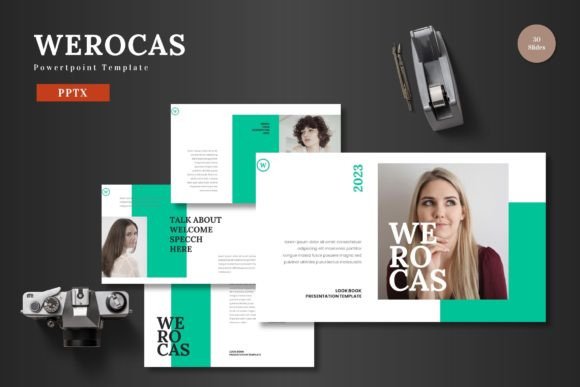
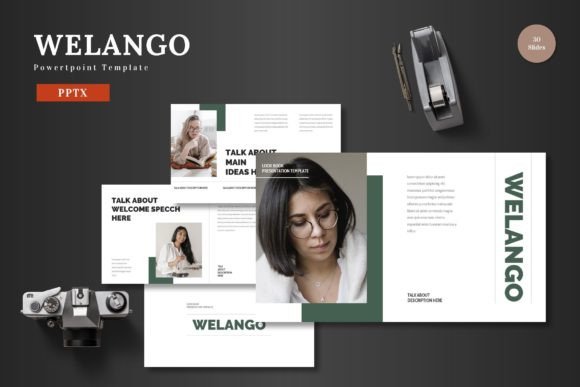
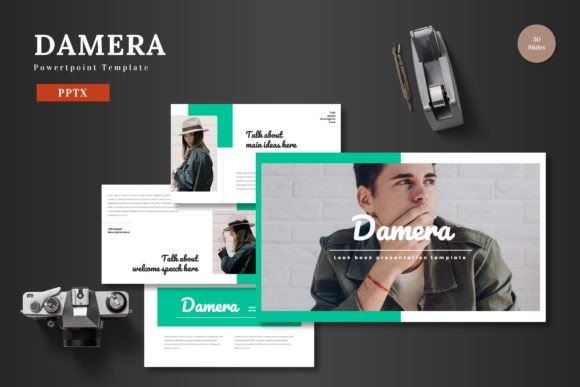
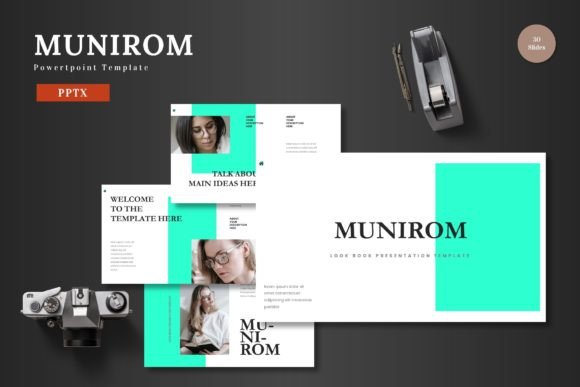
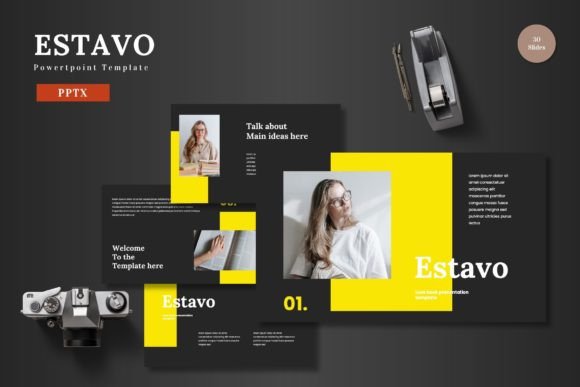
What defines the Estavo Powerpoint Template is its commitment to accessibility and professional polish. It isn’t a locked-down design file requiring graphic software expertise. Every element—from shapes, icons, and text boxes to color schemes—is editable directly within PowerPoint itself. This means you can input your content, replace images using the drag-and-drop picture placeholder, and adjust colors to match your brand without ever leaving the application you already know. The package includes 150 total slides, thoughtfully distributed across five premade color variations, each offering 30 slides along with essential section breaks and animated transitions.
Why a Template Matters: Different Needs, One Solution
The value of a tool like the Estavo Powerpoint Template isn’t universal; it shifts based on who is using it and what they aim to accomplish. A startup founder racing to secure funding has different priorities than a teacher preparing a classroom lecture, though both need to present information clearly and compellingly.
For the time-pressed professional, the primary consideration is often speed and reliability. The fact that all graphics are resizable and editable within PowerPoint, based on master slides for consistency, removes a major hurdle. You aren’t wrestling with incompatible file formats or learning new software. You’re adapting a proven structure to your needs, confident that the underlying design is pixel-perfect and visually coherent. This reliability translates directly into saved hours and reduced stress.
Creators, marketers, and freelancers, however, might prioritize flexibility and creative control. The five distinct color schemes and handcrafted infographics offer a starting point that can be molded. Whether you’re promoting an e-commerce product, building a portfolio slide gallery, or drafting a client pitch deck, the template’s multipurpose nature means you aren’t buying a one-time solution. It’s a reusable asset. The editable elements allow you to maintain a high quality of presentation across different projects and clients, reinforcing your own professional brand.
Evaluating the Template Through Different Lenses
How someone evaluates the Estavo Powerpoint Template depends heavily on their experience level and project goals.
A beginner or hobbyist dipping into presentations for a community group or personal project likely cares most about ease of use and learning value. The straightforward “edit in PowerPoint” approach is crucial here. There’s no intimidating barrier. The included animated slides and pre-built layouts provide a safe framework to learn presentation principles—what makes a slide engaging, how to sequence information—while still producing a result that looks polished. The practical benefit is confidence; they can focus on their content, not on design anxiety.
An experienced business owner, educator, or corporate professional, on the other hand, might evaluate based on long-term usefulness and commercial value. They need a template that scales. Suitable for business, pitch decks, or product promotion, the Estavo template’s 150-slide library offers depth. They can use different sections for different audiences: a detailed internal business report using one color scheme, and a public product promotion using another, all from the same core file. The inclusion of gallery and portfolio slides speaks directly to showcasing work or offerings effectively. For them, the template is an investment in consistent, high-quality communication across multiple touchpoints.
Practical Applications Across Audiences
Imagine a blogger wanting to repurpose their written content into a webinar or online course. The clean layout and placeholder images allow them to drag-and-drop their own photography, creating a visual companion to their text that feels cohesive and professional. They aren’t a designer, but the template empowers them to extend their content’s reach.
Consider a small business owner preparing for a crucial investor meeting. The pitch deck suitability of the Estavo Powerpoint Template means they have access to slides designed for storytelling: infographics to explain growth metrics, portfolio slides to highlight key products, and animated transitions to keep the narrative flowing. Their priority is persuasion, and the template provides a visually solid foundation upon which they can build their compelling argument.
For an educator or trainer, the priorities might be clarity and engagement. The template’s structure helps organize complex information into digestible sections. The color variations can be used to differentiate between modules or topics. Since everything is editable, they can tailor examples directly within the slides, making the material feel customized for their specific audience without starting from a blank canvas.
Aligning the Tool With Your Own Goals
Deciding if the Estavo Powerpoint Template matches your needs involves asking a few practical questions about your own situation. First, consider your skill level and comfort with PowerPoint. If you want to avoid additional software and prefer to work entirely within a familiar environment, this template’s fully editable nature aligns perfectly. Second, think about the scope and frequency of your presentations. If you need a single, one-off slide set, any template might suffice. But if you anticipate multiple presentations across different purposes—business, promotion, education—the multipurpose design and volume of slides (150 across five colors) offer significant long-term utility.
Finally, reflect on the visual standard you need to meet. Are you presenting to internal teams where clarity is key, or to external clients and audiences where brand image and polish are critical? The handcrafted infographics, pixel-perfect illustrations, and professional layouts aim to serve both scenarios. The template allows you to maintain the quality of your presentation products, ensuring your content is supported by a design that enhances, not distracts.
In essence, the Estavo Powerpoint Template serves as a bridge. It bridges the gap between having important content and presenting it with visual authority. It bridges the gap between varying skill levels and the need for a professional outcome. By providing a clean, colorful, and completely editable framework within PowerPoint, it empowers a wide range of individuals—from beginners to seasoned professionals—to focus on what matters most: their message. The final step, as the template itself might suggest, is simply inputting your content, refining it to your purpose, and presenting your slides to the world.